Orientation
Tooling, files, command line, and an honest baseline.
Software greenhouse · study season 01
Navurexi is an IT course studio arranged like a working greenhouse: clear light, patient repetition, and real things to tend. Build a practice across web, data, systems, and product work.

The studio desk / daylight, notes, working code
01 / curriculum calendar
Tooling, files, command line, and an honest baseline.
Build readable documents and durable interfaces.
Work with layout, type, and screens of different sizes.
Model small interactions, data, and state with care.
Leave a useful trail for your future collaborators.
Share a small build, annotate it, and revise once.
Read, transform, and question the information in a small dataset.
Connect a browser interface to an approachable API surface.
Plan how a project remembers and retrieves useful things.
Trace ordinary and edge-case journeys through an interface.
Map the boundaries, assumptions, and trade-offs in your tool.
Bring a working system to the table for guided critique.
Define a bounded need and who it is for without overpromising.
Use quick screens and honest assumptions to test direction.
Make a small useful path work before adding decoration.
Write a handover someone else can use on an ordinary day.
Explain choices, limits, and next questions with precision.
Archive your work and name the next thing worth tending.
02 / growing prerequisites
This is a ledger, not a gate. See what helps at the outset and what we build together along the way.
A laptop or desktop you can use regularly. We help you check browser, editor, and terminal setup during orientation.
Reserve modest, repeatable time between sessions. The calendar is designed around making, pausing, and returning.
Come with a process, community, or idea you want to understand. It can be unfinished; that is useful material.
Early work is expected to be rough. We use versions, notes, and short reviews to make revision visible rather than mysterious.

03 / hands-on lab bench
Every lab has separate roles so that making software involves noticing, explaining, testing, and tending—not only typing.
Turns a bounded sketch into a working slice.
Tracks friction, assumptions, and the question behind a choice.
Tries ordinary and unusual paths with a clear record.
Explains the tool in plain language for its intended user.

04 / skill trellis
Select a vine to see how each practice supports the others in the studio.
Learn to name, nest, and order information so people—and future you—can find their way through a tool.
05 / field-notes journal
The journal keeps the small observations that change a build: a strange error, a clear explanation, a decision worth revisiting.
A prompt to read an error as information rather than a verdict.
Bring a stuck pointSmall experiments make room for better questions.
See the calendarA feature list is not a plan. A working path is.
Visit the bench
“A study season is long enough to notice patterns, short enough to keep them in view.”
06 / cohort observatory
A shared view of the working environment: what happens in sessions, what is made between them, and what gets recorded for return visits.
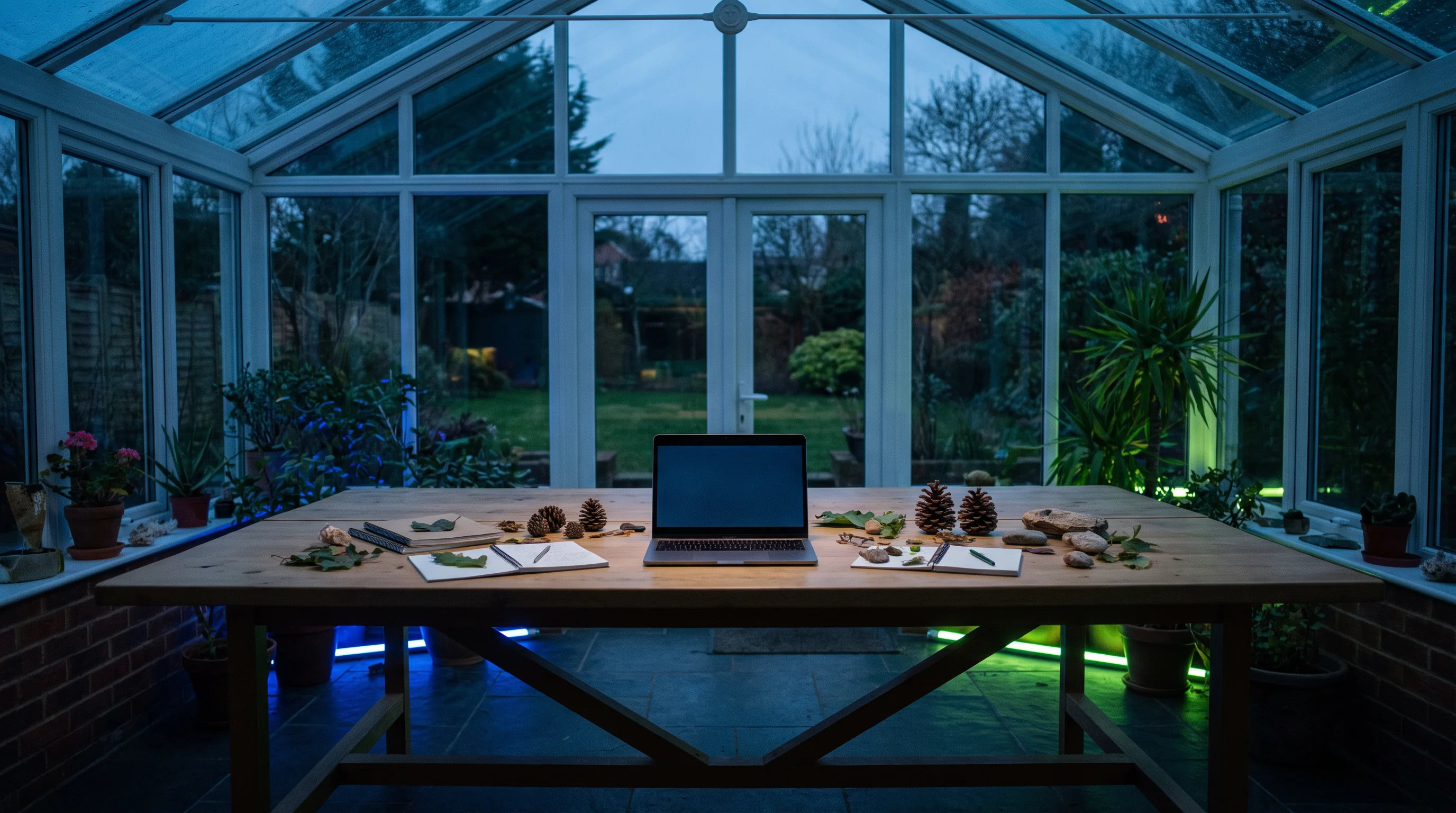
Session habitat
| Place | Working mode | Trace kept |
|---|---|---|
| Studio session | Guided making & critique | Bench notes |
| Independent plot | Focused practice | Commit or journal line |
| Peer crossing | Explain & test | Question list |
| Mentor session | Decision support | Next-small-step |
This is a course design map, not a measure of output. Different learners work with different conditions.
07 / assessment greenhouse
Assessment is a cultivated record of what you can explain, build, revise, and hand over. It is not a single high-stakes performance.
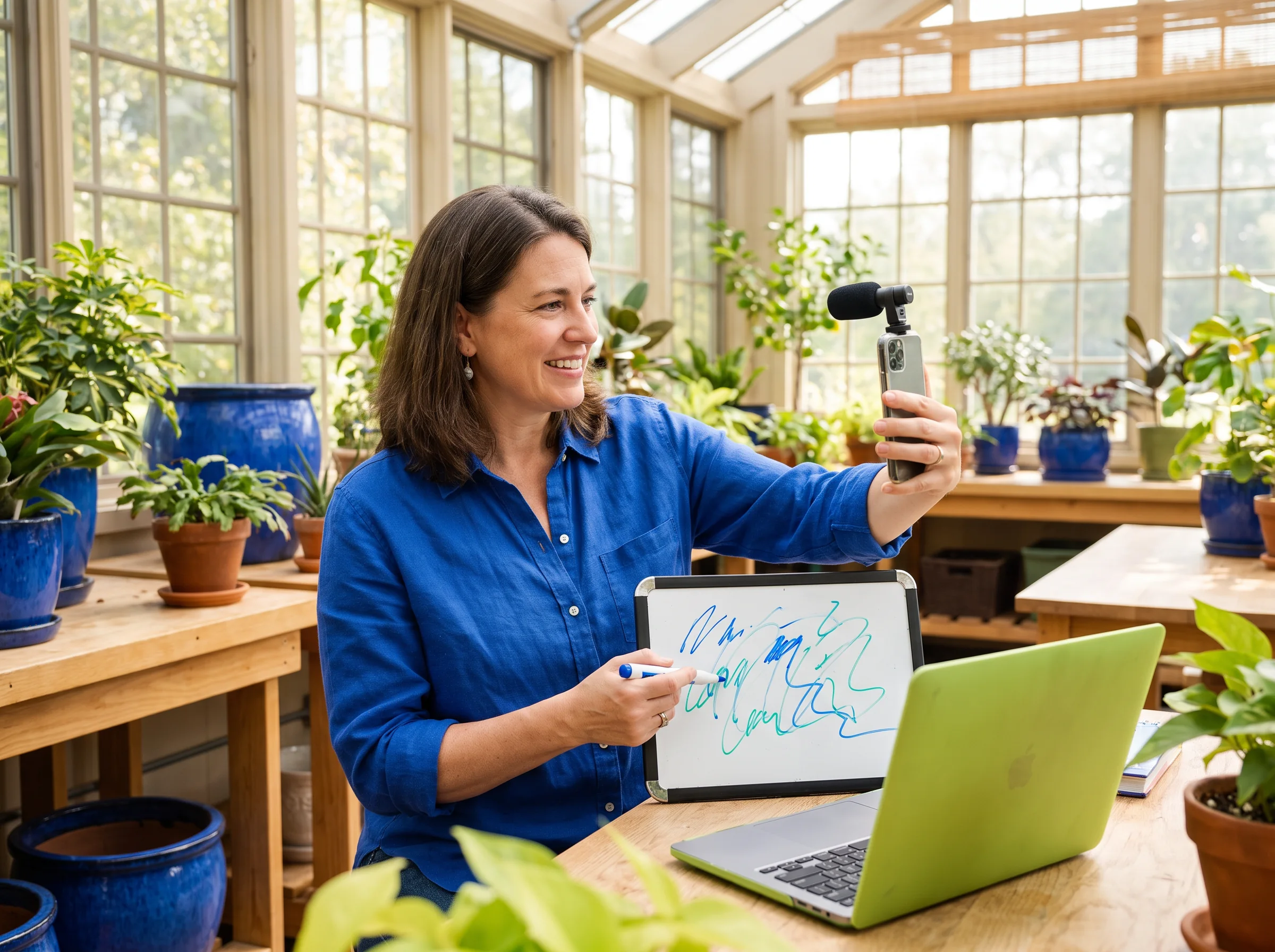

08 / learning-support shelf
Support should be easy to find before a small uncertainty becomes a reason to stop.
09 / frequently asked
10 / mentor-session contact
Tell us a little about where you are and what you want to grow next. This form creates a confirmation in your browser only; it does not send information anywhere.